What is doomscrolling, exactly?
Doomscrolling is continuing to scroll through bad news or alarming posts long after the activity has stopped telling you anything useful. It is a description of behaviour rather than a medical term, which matters, because it means the fix is about the situation you are in rather than about something being wrong with you.
The test is simple and a little uncomfortable. If you are learning something new, it is reading. If you are checking whether the situation has got worse since five minutes ago, and it is the fifth time, it is the other thing. The content can be identical. What differs is whether the next screen could change anything you will do.
Why is it so hard to stop?
Four things line up, and none of them is a character flaw.
There is no ending. A newspaper ends. A broadcast ends. A feed is built so that it does not, which means the natural stopping point that used to be supplied by the medium is now yours to supply, in the moment, while tired.
Checking feels like doing something. Worry wants an action, and refreshing a feed is the cheapest action available. It produces the sensation of vigilance without producing any change in the situation, which is why it can run for an hour and leave you feeling worse.
Psychologists describe a negativity bias, a tendency for threatening or negative information to grip attention more than neutral or positive information. You do not need to treat it as settled in every detail to recognise the pattern: alarming items are the ones that make you keep going.
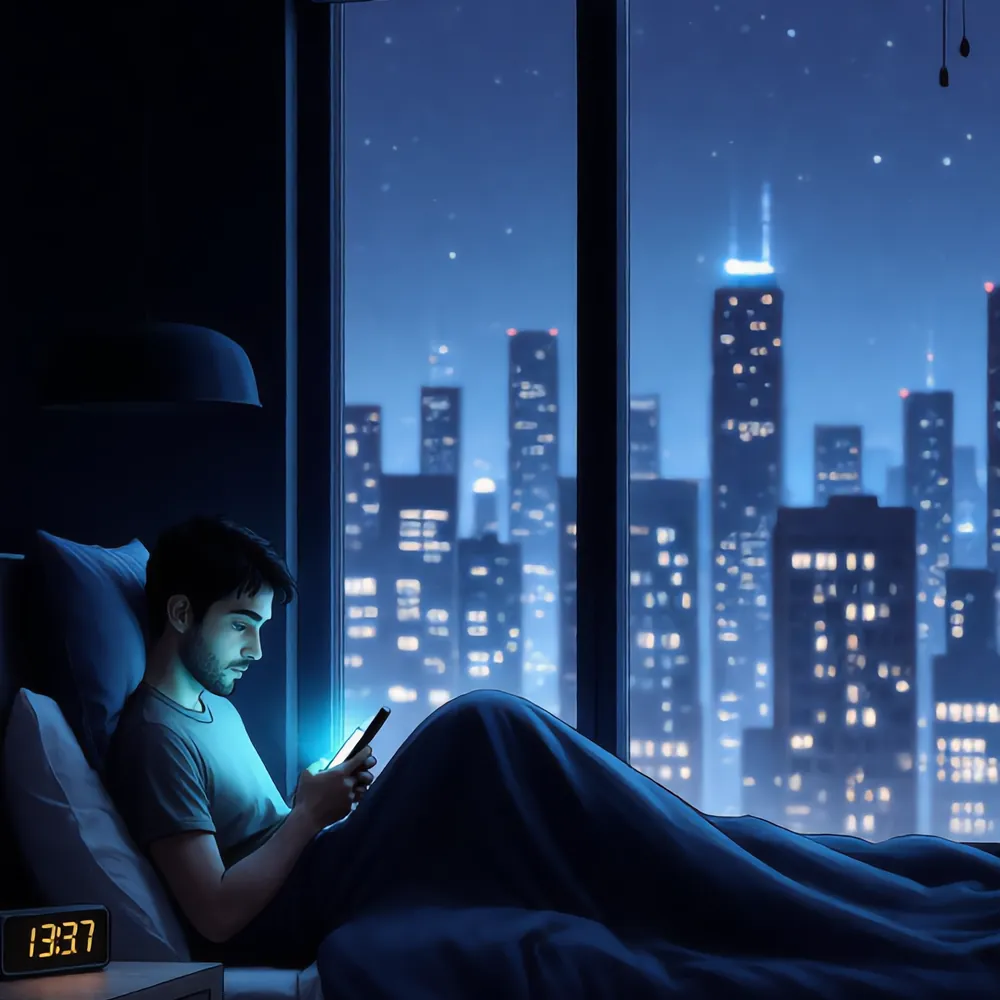
It tends to happen at your weakest time. Late, tired, in bed, after a hard day. That is the hour when the decision to stop has to be made, and also the hour when you are least able to make it. A plan that relies on willpower at eleven at night is a plan built for a different person.
Do I have to stop following the news?
No, and treating it as all or nothing is why most attempts fail. Staying informed is a reasonable thing to want, and for some people it is part of the job. The aim is not less awareness. It is awareness through a channel that ends.
Compare the two shapes. A morning digest has a last item. A newsletter finishes. A radio bulletin runs for ten minutes and stops. A feed does none of those things, so it has to be stopped by you, repeatedly, and every extra stop is another chance for the habit to win. Moving the same news into a finite format removes most of the problem without removing any of the information.
A plan that works
Five steps. Do them in this order, because each makes the next one easier.
- Pick two news windows and write down when they are. Say mid-morning and early evening. The point is that checking outside them has no purpose, so you can notice it for what it is.
- Move the source from a feed to something finite. A digest, a newsletter, a headlines page that ends. You keep the information and lose the bottomless part.
- Put friction on the app itself. Sign out, take it off the home screen, or give it a daily time limit. This is one of the cases where a timer is genuinely the right tool, because a news app is single-purpose and there is no good half to protect. Our piece on whether app timers actually work explains why timers fail for short video but suit exactly this.
- Take the phone out of the bed. Charge it across the room and use a plain alarm. Late-night scrolling needs the phone to be in reach, so the cheapest fix is physical.
- Decide the stopping cue in advance. "When I have seen the headlines and the two stories I care about." A cue chosen in daylight is far more reliable than one invented at midnight.
What about the late-night version?
It deserves its own section because it is the worst version and the one most people mean. At night the worry is at full strength, your resistance is at its lowest, and the feed is within arm's reach. Every condition favours the habit.
Two changes carry most of the weight. First, the physical one above: if you have to get out of bed to scroll, most nights you will not. Second, give the worry somewhere else to go. Writing down the thing you are anxious about, and the one action you could take tomorrow, does what the refresh was trying and failing to do, which is to make the worry feel handled.
If the pattern persists and is affecting your sleep or mood in a way that worries you, that is a good reason to speak to someone, and nothing on this page replaces that.
What if following the news is part of my job?
Plenty of people have a real reason to stay close to events: analysts, founders in fast-moving sectors, anyone in communications. For them "check less" is not an option, and the honest move is to separate two jobs that have been merged into one.
Monitoring is watching for a defined thing that would change a decision. Consuming is reading around a subject because it is interesting or alarming. Monitoring can be set up to interrupt you: an alert on a specific named topic, a delivery at a fixed time, a colleague who flags what matters. Consuming should have a window and an end.
The failure mode is using the legitimacy of the first to justify the second. If your day contains three genuine news checks and forty drifting ones, the three are the job and the forty are the habit. Naming the difference, honestly, is usually enough to see which is which.
What about when something really is happening?
Sometimes it is not a habit. There is a real event, you have a real stake in it, and wanting to follow it closely is reasonable. The plan above is not meant to make you uninformed during a crisis.
What helps in that case is narrowing, not abstaining. Choose one source you trust and use it, instead of refreshing five. Check at set intervals, every hour for instance, rather than continuously. Tell the people who might need you where to reach you, so that you are not scrolling in case somebody has tried.
And decide in advance when the event stops needing you. Most doomscrolling during a real event continues long after the information has stopped changing anything you could do, which is the same test as before: could the next screen change what you will do?
What are the common mistakes?
Most failed attempts fail in one of five predictable ways.
- Deleting the app, then reinstalling it. If the news app also carries things you need, all or nothing is a rule built to be broken. A sign-out or a timer keeps most of the benefit without the reversal.
- Trying to feel nothing about the news. The goal is not detachment. It is to put the concern at times when you can act on it, rather than at midnight when you cannot.
- Swapping one feed for another. If closing one source simply moves the checking to a different app, the habit was attached to the gap in your day, not to that app. That is useful information about where the next piece of friction belongs.
- Planning for the late-night version at midday. Good intentions made in daylight rarely survive eleven o'clock. The fix has to be physical and arranged in advance, like the phone being across the room.
- Treating one slip as the plan failing. One long night is a data point about which condition got you, not a verdict. Look at what was different and adjust that.
What does a one-week version look like?
If a five-step plan feels like too much at once, here is the same thing spread across a week, one change a day, so nothing has to be willpowered into place all at once.
- Day one: change nothing. Just notice when you doomscroll and what condition you were in. Late, tired, anxious, bored.
- Day two: choose your two news windows and write the times where you will see them.
- Day three: move your main source to something finite, a digest or a newsletter.
- Day four: add friction to the news app: sign out, move it off the home screen, or set a daily limit.
- Day five: charge the phone outside the bedroom and set a plain alarm.
- Day six: write down your stopping cue for each window.
- Day seven: look back at the week. Which condition still got through? That is where the next change goes.
The order matters less than the habit of changing one thing at a time. A week of small, specific changes beats a single weekend of resolve that has gone by Tuesday.
Where a blocker helps, and where it does not
We make an Android app, so here is the honest boundary, because it matters for whether this page is useful to you.
Qlean closes short video: Reels, Shorts and Spotlight. If your doomscrolling drifts into a short-video feed, which it often does late at night, that is the part Qlean addresses. It does not close news sites, text feeds or the apps you read the news in. If your habit lives there, the plan above, and a timer on the specific app, are the right tools, and Qlean is not.
Knowing which surface your scrolling actually lives on is most of the decision. Our guide on closing Reels and Shorts without deleting the apps covers the short-video case if that turns out to be yours.
If it drifts into short video
Qlean closes Reels, Shorts and Spotlight the moment they open, and leaves your messages, search and the rest of each app alone.
Qlean is a distraction blocker for Android. It closes the so-called entertainment that eats your attention: time-consuming Reels and Shorts, endless feeds, adult content and porn, the moment they open on your phone. No willpower needed. It never records your screen and keeps no record of what you view.
Get Qlean on Google PlayHow do I know it is working?
Two signs, and neither is a screen-time number. First, you can name what you read. A session you can summarise in a sentence was reading. One you cannot was scrolling. Second, it ends when you decide, not when you run out of energy.
Expect the first week to feel slightly itchy. The checking impulse does not vanish because the feed is gone, it looks for another outlet, and noticing that happen is a normal and useful part of the process. If it keeps landing on the same other app, that is information about where to put the next piece of friction.