Can you remove Shorts without losing YouTube?
Yes. Shorts is a feed inside YouTube, not the whole of it, so closing that one surface leaves search, subscriptions, playlists, history and ordinary long-form video exactly as they were. That matters because YouTube is rarely a purely recreational app for working people. It is where the conference talk you missed lives, where the library for almost any technical question sits, and where half the onboarding material for new tools is published.
The reason this question comes up so often is that YouTube does not offer a real off switch for Shorts. It offers ways to see fewer of them, which is a different promise, and the gap between those two things is where most people’s frustration lives.
It is also worth separating two problems that get discussed as one. Some people want Shorts gone because it wastes time in obvious blocks, twenty minutes that clearly went nowhere. Others want it gone because of where it lands rather than how long it takes: the ninety seconds between finishing one task and starting the next, which is precisely when attention is most expensive to rebuild. The second group often has unremarkable screen-time numbers and a badly fragmented working day, and no app-timer product will help them, because the problem was never the total.
What YouTube’s own settings actually do
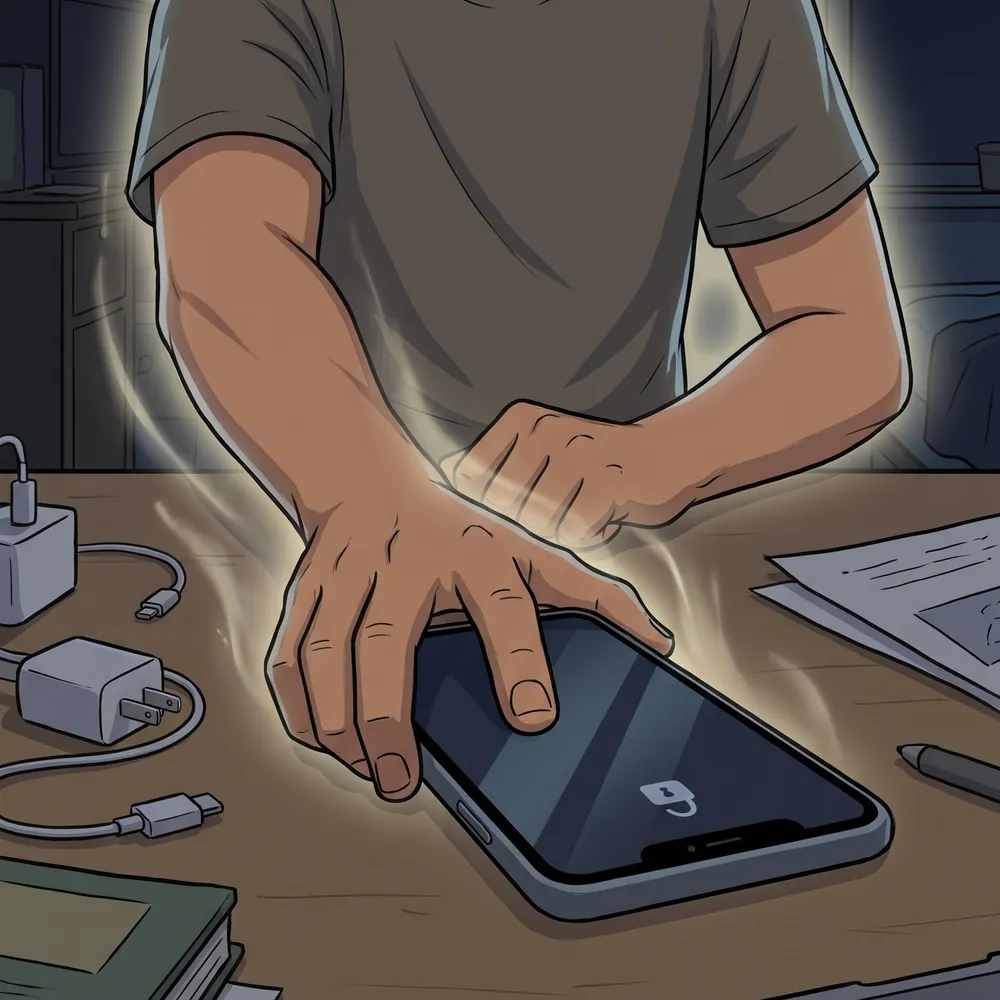
YouTube has shipped several controls over the years, and they are worth trying first because they cost nothing and take a minute. Their limits are also worth knowing before you rely on them.
- Dismissing the Shorts shelf. On the home feed you can tell YouTube you are not interested in the Shorts row. It typically returns after a while, because the setting hides a shelf rather than turning a feature off.
- Turning off watch history. With history paused, recommendations thin out considerably, which makes Shorts less tempting because it is less tailored to you. The trade is that YouTube becomes noticeably worse at surfacing the work material you actually want.
- Reminders and bedtime settings. YouTube can nudge you to take a break or wind down. These are prompts, not limits, and a prompt arrives after you are already inside the feed.
None of these remove Shorts. They reduce how often it is pushed at you, which helps at the margins and does nothing on the evening you open the app already tired and go looking for it. If you have tried all three and are reading this anyway, that gap is why.
There is a structural reason not to expect more from the platform’s own settings, and it is not a conspiracy. Shorts exists because short video is where attention moved, and a platform competing for that attention has no commercial reason to build a clean, permanent off switch for its own most engaging surface. Expecting one is expecting a company to make its product less effective at the thing it was built to do. That is not a complaint, just a reason to stop waiting for a setting that is unlikely to arrive and to solve it at a level you control instead.
The one genuinely effective native option is the blunt one: uninstall the YouTube app and use the site in a browser, where the experience is deliberately worse and Shorts is less insistent. Some people do this happily. Most find that losing offline downloads, background audio and a usable interface is too high a price for removing one feed, which is the trade this whole page exists to avoid.
Why Shorts is harder to leave than ordinary YouTube
A normal YouTube video ends. That ending is a genuine decision point, a moment where continuing takes an action, and most people use at least some of those moments to stop. The Shorts feed has no equivalent. Each item is short enough to finish before any sense of time passing registers, and the next one is already loaded.
There is a second difference that matters more for work. Long-form YouTube usually involves a choice about what to watch, which keeps some part of your intention in the loop. Shorts removes the choosing entirely. You are no longer deciding what to watch, only whether to keep watching, and that question is asked of you several times a minute by a system that is good at making the answer yes.
This is why people who comfortably use YouTube for research find the Shorts shelf disproportionately costly. It is not more time, necessarily. It is time spent in a mode where your own intention has been taken out of the loop.
For anyone whose work depends on sustained thinking, there is a further cost that does not show up in any screen-time figure. Hard problems need an unbroken run at them, and the work only you can do tends to be the work that needs the longest run. A day interrupted every twenty minutes is a day in which the easy items get cleared and the difficult one rolls over to tomorrow again. It reads as a full day on the calendar and as an empty one by the evening.
How to close Shorts on Android
If YouTube’s own settings have not held, the next step is a content-level blocker, which works on what opens rather than on how long an app is used. Qlean is an Android focus app built around that distinction.
- Install Qlean from Google Play and sign in.
- Grant the permission it asks for on the next screen.
- Choose Strict from the menu. Strict closes short video, which covers YouTube Shorts along with Reels and Spotlight. Standard leaves short video alone and closes adult content only. Strict also closes a short list of whole streaming and short-video apps, such as Netflix and TikTok, so choose it deliberately.
- Add anything you want untouched to the trusted list, which many people use for messaging apps.
Three days free from sign-in let you try it, after which blocking needs a subscription. You can switch between Standard and Strict from the menu whenever you like, and the change applies immediately by default rather than at the end of a day or a billing period.
Two things worth setting up at the same time, because they remove the most common reasons a setup like this gets abandoned in week one. Put anything you genuinely need untouched on the trusted list before you start, rather than after the first time something closes that you did not want closed. And decide in advance what you will do in the gaps the feed used to fill, because an unfilled gap is the thing that sends people back to the settings screen on day three.
Close the Shorts feed, keep the library
Qlean’s Strict level closes Shorts the moment it opens, and leaves search, subscriptions and long-form video alone. Three days free from sign-in, then a subscription.
Qlean is a distraction blocker for Android. It closes the so-called entertainment that eats your attention: time-consuming Reels and Shorts, endless feeds, adult content and porn, the moment they open on your phone. No willpower needed. It never records your screen and keeps no record of what you view.
Get Qlean on Google PlayWhat about Shorts on desktop and other devices?
Worth being straight about scope: Qlean is an Android app, so it closes Shorts on the phone it is installed on and nowhere else. If your pattern is mostly desktop, a browser extension is the better tool and this guide will not solve it.
For most people the phone is where Shorts actually happens, because the format is built for a device you hold in one hand in a spare moment. If you are unsure which applies to you, the honest test is where you were sitting the last three times you lost twenty minutes to it.
If the answer is both, close the phone first anyway. Desktop Shorts almost always happens while you are already sitting at a machine doing something else, which means there is a task in front of you providing at least some pull back. Phone Shorts happens in the gaps, where nothing is pulling you back at all. Fixing the harder surface first tends to shrink the easier one on its own, because the habit loses the reliable slot it had learned to occupy.
What to expect in the first week
The first few days are the ones where people reach for Shorts without having decided to, find it closed, and notice how automatic the reach had become. That noticing is the useful part, and it is worth paying attention to rather than treating as an annoyance. Most people report the reaching itself fading within a week or two, because it stops being rewarded.
Expect your YouTube use to drop in a specific way rather than overall. The deliberate watching, the thing you searched for, tends to survive untouched. The incidental watching, the twenty minutes that began with no decision at all, is what disappears, and it is usually a bigger share of the total than people expect before they measure it.
A test worth running: for one week, keep Shorts closed and note every time you open YouTube on purpose. Most people find the number is small, stable and entirely reasonable. The gap between that number and their old screen time is what the feed was taking.
One warning, because it catches people out. The urge does not usually return as a craving for Shorts. It returns as a plausible reason to open something else: a quick look at the news, a scroll through a different app, a message that could have waited. The habit is not attached to the content, it is attached to the gap, and whatever is nearest will be offered as a substitute. Noticing that substitution is most of the work in the second week.
If long-form entertainment is the real problem
Closing Shorts does nothing about a two-hour evening spent on long-form videos, and for some people that is the actual pattern. Those are different surfaces with different fixes, which is why they are treated separately here rather than lumped together as "YouTube".
Qlean’s Strict level handles that case as well, by assessing each long-form video on its own so entertainment closes while learning and work material stays open. Our guide on keeping YouTube for learning while entertainment closes covers that properly. And if the same scrolling happens across Instagram and Snapchat too, the broader piece on blocking Reels and Shorts without deleting the apps is the place to start.
If you are not sure which of the two is actually your pattern, the cheapest way to find out is to close Shorts for a week and see whether your YouTube time falls. If it falls sharply, Shorts was the problem and you are done. If it barely moves, the time was going into long-form all along and the feed was simply the more visible suspect. That is a useful thing to learn about yourself before adding any further restriction, because the wrong fix applied confidently is how people conclude that none of this works for them.